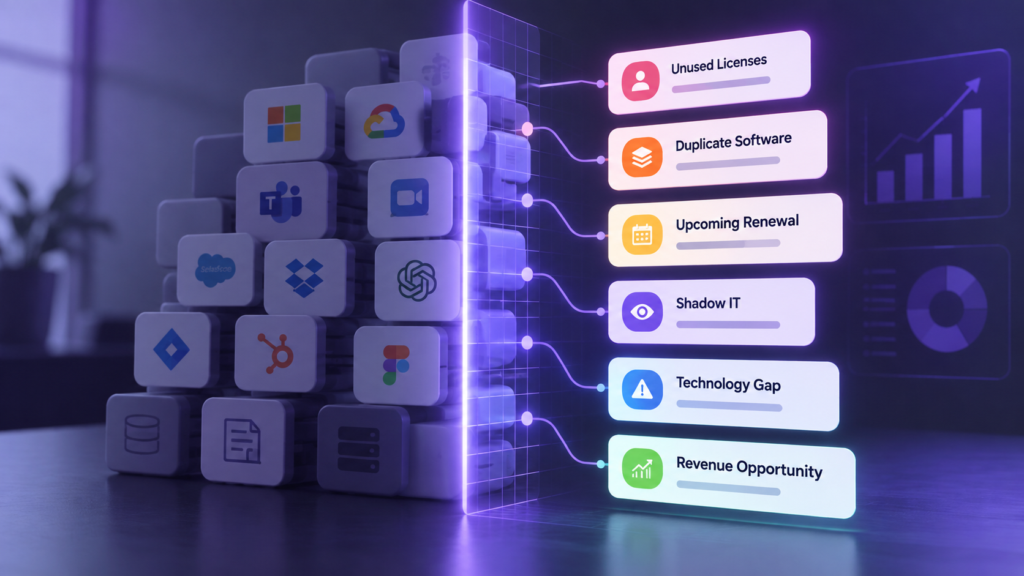
A client is still paying for a seat for someone who left months ago. Nobody noticed, because nobody owns the list. That’s SaaS sprawl: software piling up faster than anyone tracks it. The average business runs 99.8 apps, and often no one keeps one list of what they pay for, who uses it, or when it renews.
For an MSP, the client carries the spend. You get the call when the renewal hits.
What is SaaS sprawl?
SaaS sprawl is the pattern where apps and subscriptions pile up faster than anyone keeps track of them. A client’s owner will recognize it: a team signs up for a tool, it does its job, it stays, and then it renews.
You may also hear it called technology sprawl or vendor sprawl. They describe the same pattern at the level of tools and vendors. For more on how the terms differ, see the answer to how SaaS sprawl differs from shadow IT, vendor sprawl and contract sprawl below, or read 5 ways technology sprawl is impacting your business.
Why does the average business run 99.8 apps?
BetterTracker puts the average business at 99.8 apps.
Three things push the number up:
- Sign-up takes minutes. Anyone with a work email can add an app.
- Trials turn into subscriptions. A tool someone tried once starts billing, and it keeps renewing.
- Nobody owns the list. Each app has a user, but no one is responsible for the whole set.
What are five signs of SaaS sprawl?
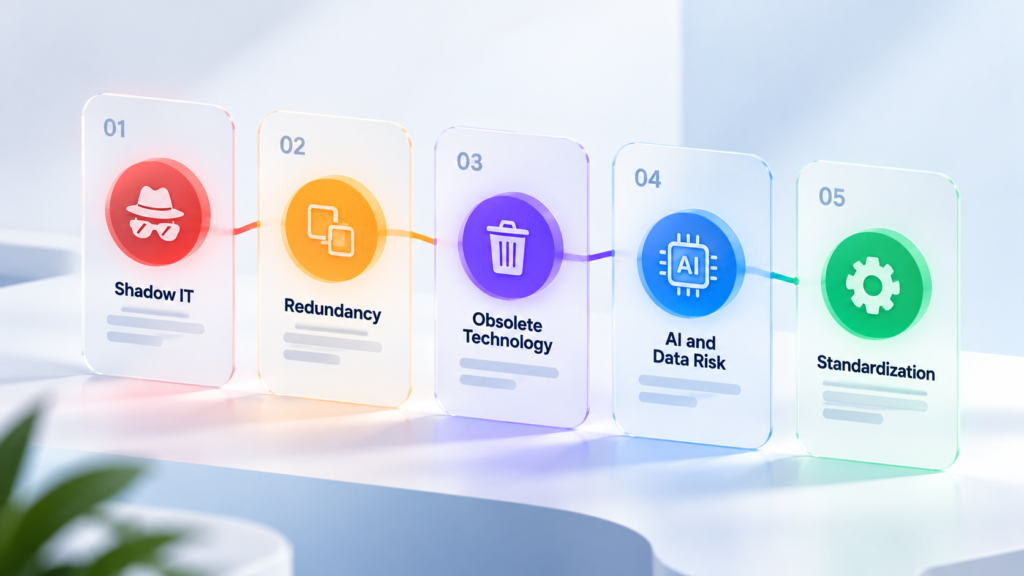
Use these five signs as a checklist. Each one has what to check and who to ask, so you can hand it to a client.
- Two or more tools doing the same job.
What to check: group the apps by category, so two tools in one category stand out. BetterTracker NaviStack has a category view that does this.
Who to ask: department heads.
- Apps paid for on personal cards.
What to check: move each app to a company card or business account. BetterTracker ExpenseTracker finds recurring software charges in linked business accounts only, so a personal card will not appear.
Who to ask: finance, and people who joined recently.
- Renewals nobody owns.
What to check: list every renewal date and name one owner per contract. BetterTracker ContractTracker shows renewal dates and lets you set alert days and recipients. The auto-renewals guide covers notice dates.
Who to ask: whoever signed the last renewal.
- Licenses held by people who left.
What to check: compare the license list to the current staff list. BetterTracker 365 Scout shows which user each license is assigned to and which are unused or over-provisioned. To do it by hand, see how to find unused Microsoft 365 licenses.
Who to ask: HR or the service desk.
- AI apps connected without a review.
What to check: the list of apps connected to company accounts, including AI apps. Microsoft recommends giving each enterprise app at least two owners. (Microsoft: what is application management) BetterTracker Scouts show an AI or No AI badge and flag apps at Unknown Status. AI sprawl is the same pattern, with AI apps.
Who to ask: IT, and the person who requested the app.
What does SaaS sprawl cost?
Published averages vary widely, and no single figure fits every business. The cost depends on three things: unused licenses, duplicate tools and renewals nobody reviewed. To size it for one business, price each one from the client’s own invoice and add them up.
On average, BetterTracker MSPs have found $25K in savings. That is what was found, not a promise of what you will save.
For more on the hidden cost, read why SMBs pay for tools they do not use.
Think you know what your subscriptions cost?
Take the subscription quiz to see how much you could be saving.
How do you find every app a business runs?
Build one list, in five steps:
- Export the apps from the identity provider. In Microsoft, that is Entra Enterprise applications. In Google, it is the connected apps list. BetterTracker 365 Scout and Google Scout show the connected apps and who uses them. Connect Microsoft 365 with Login with Microsoft, with no app registration. 365 Scout requires a subscription.
- Add what the identity provider cannot see. That means recurring charges on business bank and card accounts. BetterTracker ExpenseTracker finds recurring software charges in linked business accounts.
- Add contracts and renewal dates. Record them in BetterTracker ContractTracker.
- Name an owner for every app and contract. One person, not a team.
- Mark the AI apps. Review the ones nobody approved.
For the Google side, see how to find every app connected to your Google Workspace.
The goal is one list, in one place.
How do MSPs help clients get SaaS sprawl under control?
Give the client a short handoff checklist:
- Build the list.
- Name an owner for each app.
- Set renewal alerts.
- Review on a schedule.
BetterTracker for MSPs gives you a place to monitor clients’ SaaS spend and renewals. Connect each client from the Customer Dashboard. To show the results, bring them to your next client review.
Betty, your AI agent, can help you prepare for a client conversation. Betty is available on eligible plans. Check what she returns before you present it.
Frequently asked questions
What is SaaS sprawl?
SaaS sprawl is software spreading faster than anyone tracks it. Teams sign up for apps, connect them to company accounts and renew them year after year, while no one keeps one list of what exists, who pays, who uses it and when it renews. The average business runs 99.8 apps.
What is the average cost of unused SaaS subscriptions for companies?
Published averages vary widely, so treat any single figure with care. The cost depends on how many seats go unused, what each one costs and how many tools overlap. To size it for one business, add up the price of unused licenses, duplicate tools and renewals nobody reviewed. On average, BetterTracker MSPs have found $25K in savings. That is what was found, not a promise of what you will save.
How many apps does the average business run?
BetterTracker puts the average business at 99.8 apps. Counts like this change with company size and with how apps are counted, so use the number as a reason to build your own list, not as a target.
What causes SaaS sprawl?
Easy sign-up is a common cause. Anyone can start a trial, add an app to a company account or put it on a card, and many tools renew on their own. Add departments buying separately, people leaving without their licenses being removed and AI apps connected without a review, and the list grows faster than anyone tracks it.
How is SaaS sprawl different from shadow IT, vendor sprawl and contract sprawl?
They overlap. SaaS sprawl is about the number of apps and subscriptions. Shadow IT is apps used without IT’s knowledge. Vendor sprawl is too many vendors for the same need. Contract sprawl is agreements spread across inboxes and drives, with renewal dates no one tracks. A business can have all four at once, and one list of apps, owners, costs and renewal dates helps with each.
What is SaaS spend management?
SaaS spend management is knowing what software a business pays for, who uses it and when it renews, so it can cancel what it does not need and plan for what it keeps. It starts with a complete list of apps, costs and renewal dates, and a named owner for each one.
How can MSPs show SaaS sprawl to small business clients?
Start with a list the client can read: every app, who owns it, what it costs and when it renews. Then walk through the five signs in this guide. With BetterTracker, an MSP can connect BetterTracker 365 Scout or Google Scout for each client from the Customer Dashboard to see the apps connected to the client’s environment and who uses them, then use Scout Report 2.0 for a presentation-ready report.
Start with one list
SaaS sprawl is software spreading faster than anyone tracks it. Build one list, in one place, and name an owner for every app.